

Having a hard drive fail can be a frustrating and stressful experience. But don’t worry, there are some things you can do to minimize the damage and get your data back. In this blog post, we’ll give you a few tips on what to do when your hard drive fails.
- if your hard drive is making any strange noises, it’s important to turn it off immediately. If you can, unplug it from your computer and remove any external cables. This will help prevent further damage to the hard drive.
- Next, try to connect the hard drive to another computer. This will help you determine if the problem is with the hard drive or the computer itself. If the hard drive works on the other computer, you may be able to recover your data. But if the hard drive doesn’t work on the other computer, the data is probably lost.
- If you can’t access your hard drive at all, you can try using data recovery software. This software can often recover data from damaged hard drives.
- Finally, if you’ve tried all of these things and you still can’t access your data, you may need to send your hard drive to a data recovery service. These services can often recover data from hard drives that are beyond repair.While having a hard drive fail can be a frustrating experience, there are things you can do to minimize the damage and get your data back. With a little bit of effort, you can often recover your valuable data.
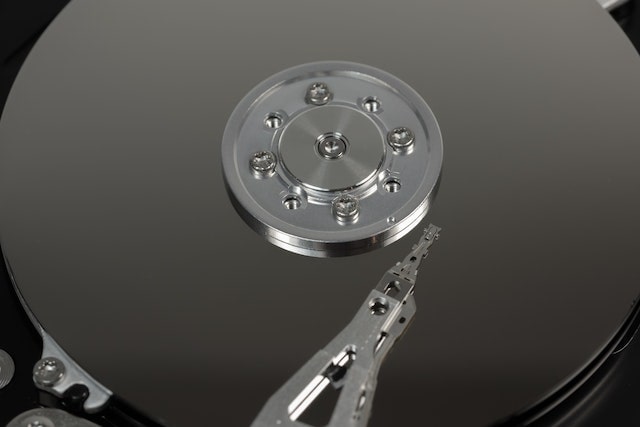
If you’re worried about data loss in the future, you can take some steps to protect your data. Backing up your data regularly is the best way to protect against data loss. You can use an external hard drive, a cloud backup service, or a local backup service. And if you’re worried about hard drive failure, you can use a RAID array to protect your data.
Signs your hard drive is failing;
- Making strange noises
- Not being recognized by your computer
- Files are corrupt or inaccessibleIf any of these things are happening, it’s important to take action right away. The sooner you take action, the more likely you are to be able to recover your data.
How to prevent future data loss;
- Backing up your data regularly
- Using a RAID array
- Servicing the computer systems regularly
By taking these steps, you can protect your data in the event of a hard drive failure.
Identifying a data recovery company;
There are many data recovery companies out there. But how do you know which one to choose?
When choosing a data recovery company in kenya, it’s important to research their success rate and reviews. You should also make sure they have experience with the type of data loss you’re dealing with.
Choosing the right data recovery company can make a big difference in whether or not you’re able to recover your data.
Final thoughts;
While hard drive failures can be frustrating, there are steps you can take to minimize the damage and get your data back. With a little bit of effort, you can often recover your valuable data. By taking these steps, you can protect your data in the event of a hard drive failure.